Timetable
Put classes where the demand is.
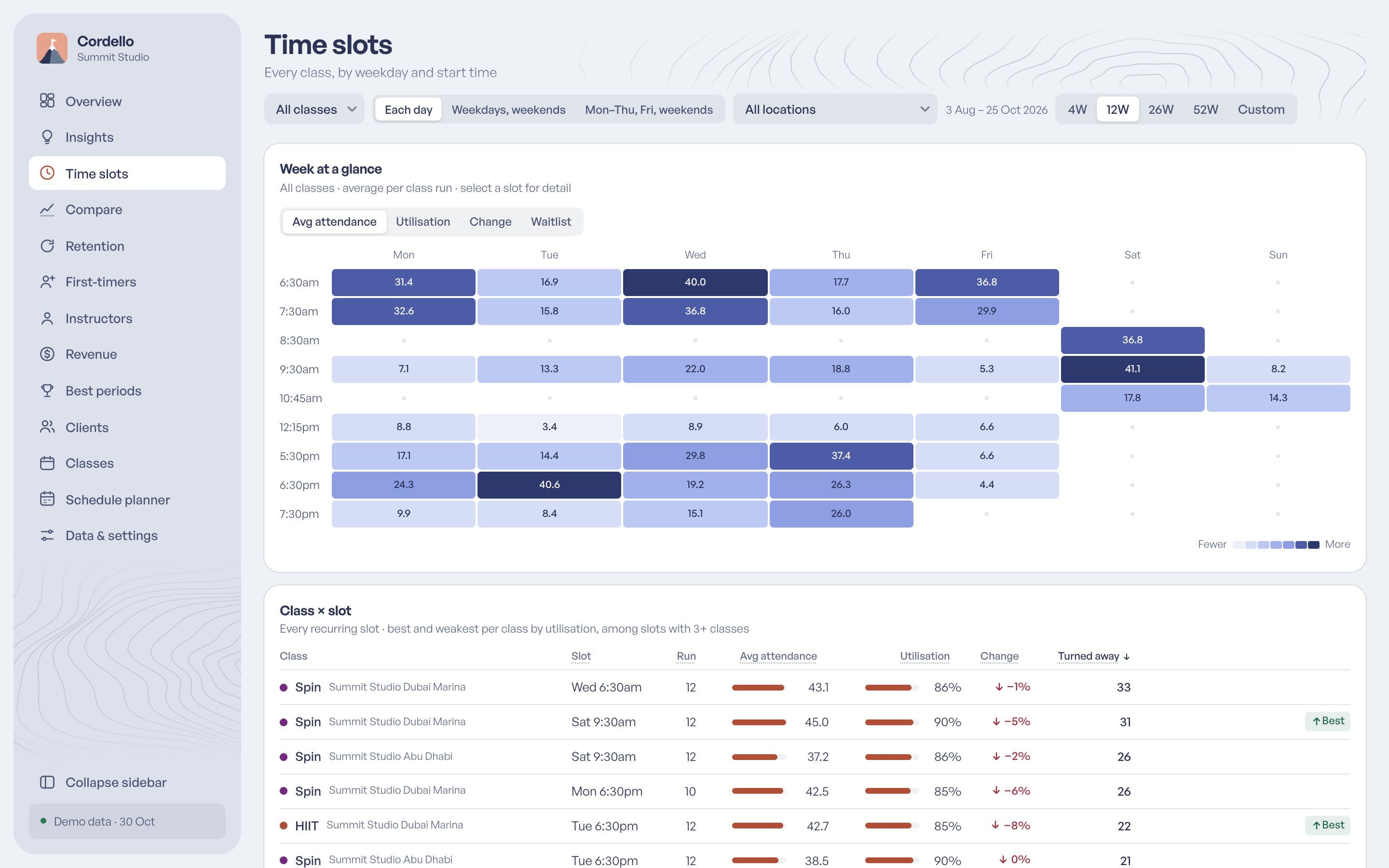
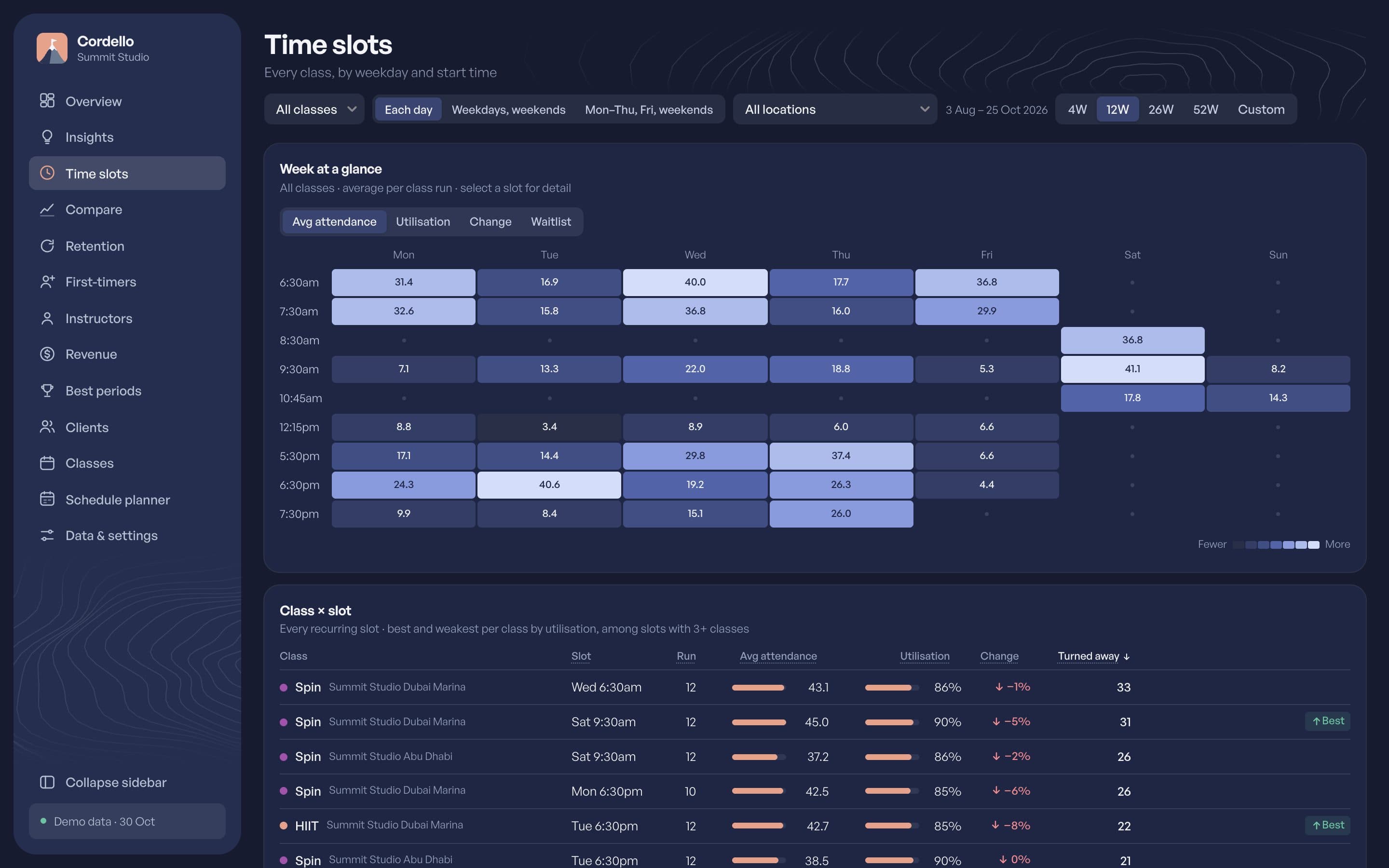
See which slots fill, which run half empty and where people are turned away from the waitlist week after week. That is where a second class belongs.
Cordello reads your booking system and shows which classes and time slots fill, who comes back, and how each instructor’s classes do.
30-day free trial, no card needed. Read-only.
The problem
Without averages by slot, a quiet week and a class in the wrong place look the same.
A first-timer comes once and is never seen again, and nobody notices in time.
Who fills the room and who keeps new clients is an impression, not a number.
Simple questions mean an export, some cleaning and a pivot table, every time.
What Cordello does
Timetable
See which slots fill, which run half empty and where people are turned away from the waitlist week after week. That is where a second class belongs.
Retention
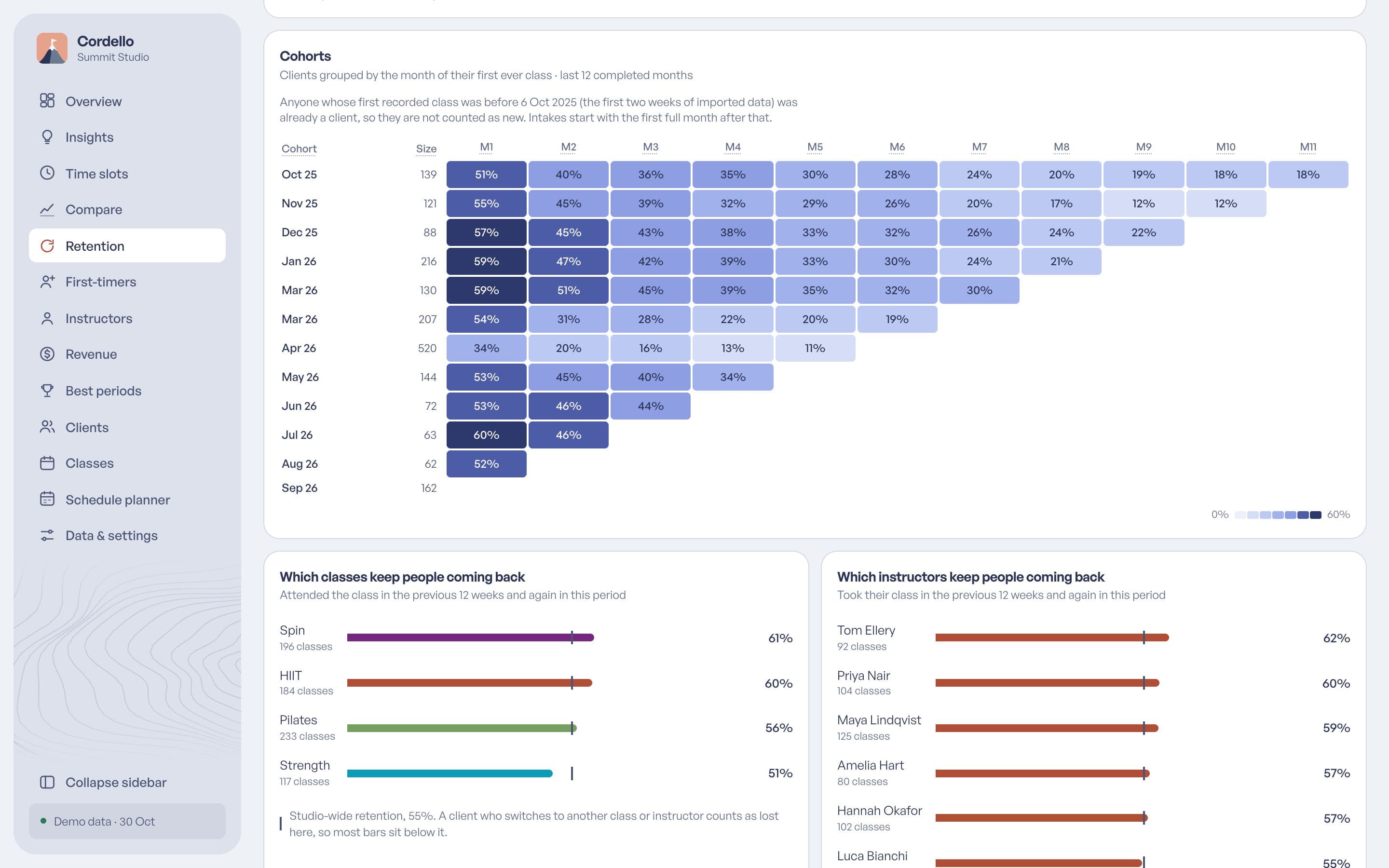
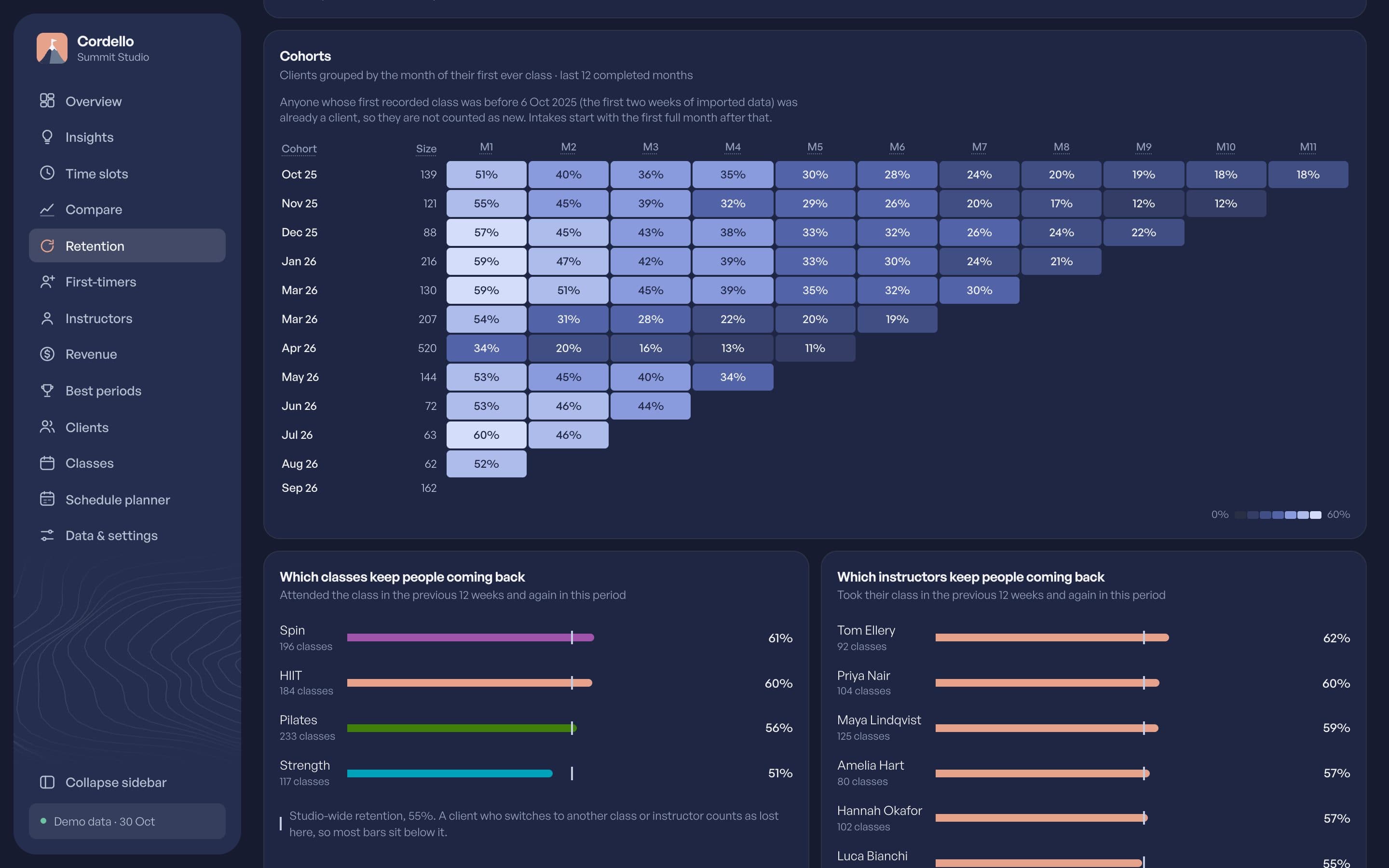
See which first-timers come back and how long each month's new clients stay. Then get a list of regulars who have gone quiet and packs about to run out, on the Clients page, while there is still time to reach out.
Instructors
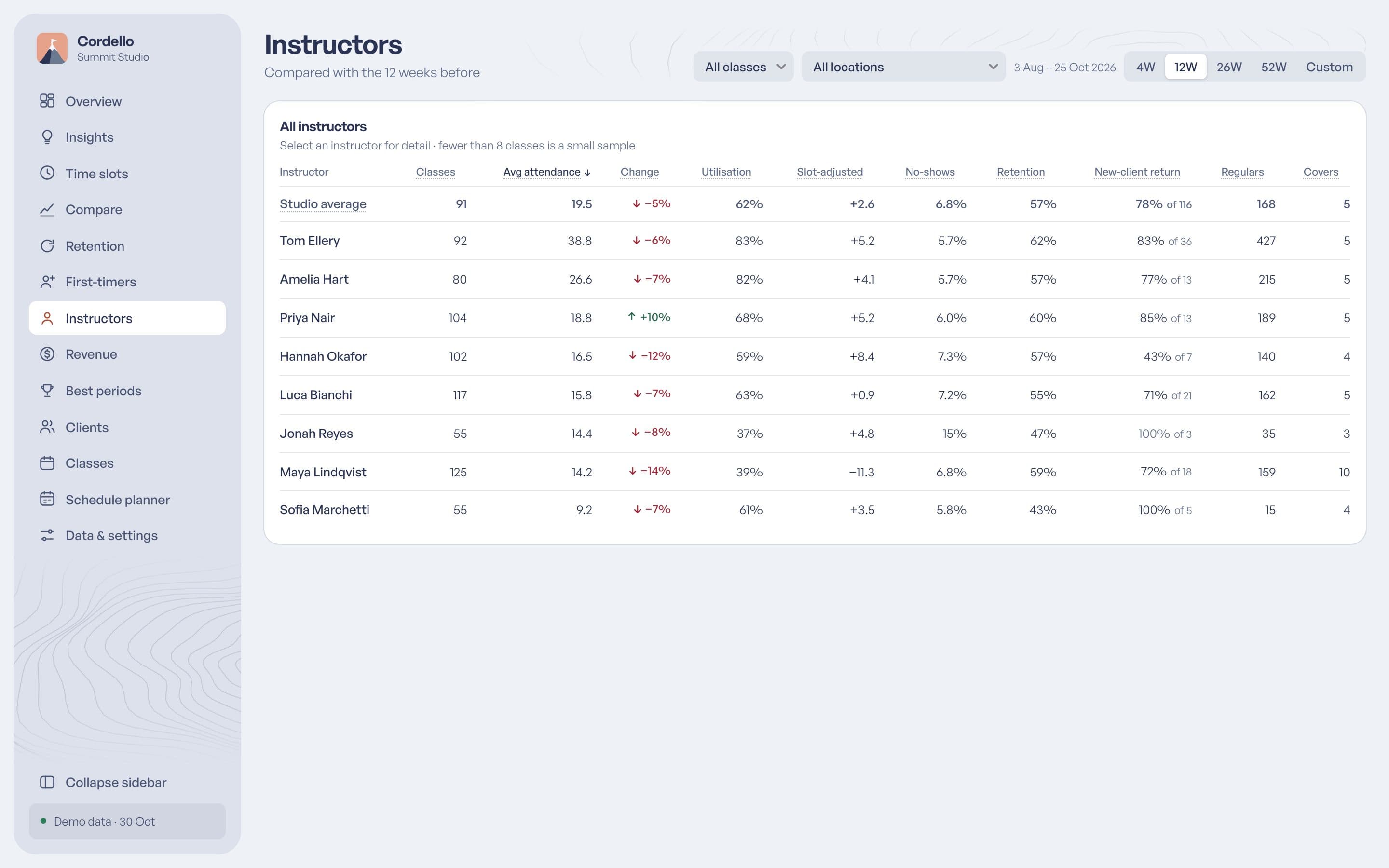
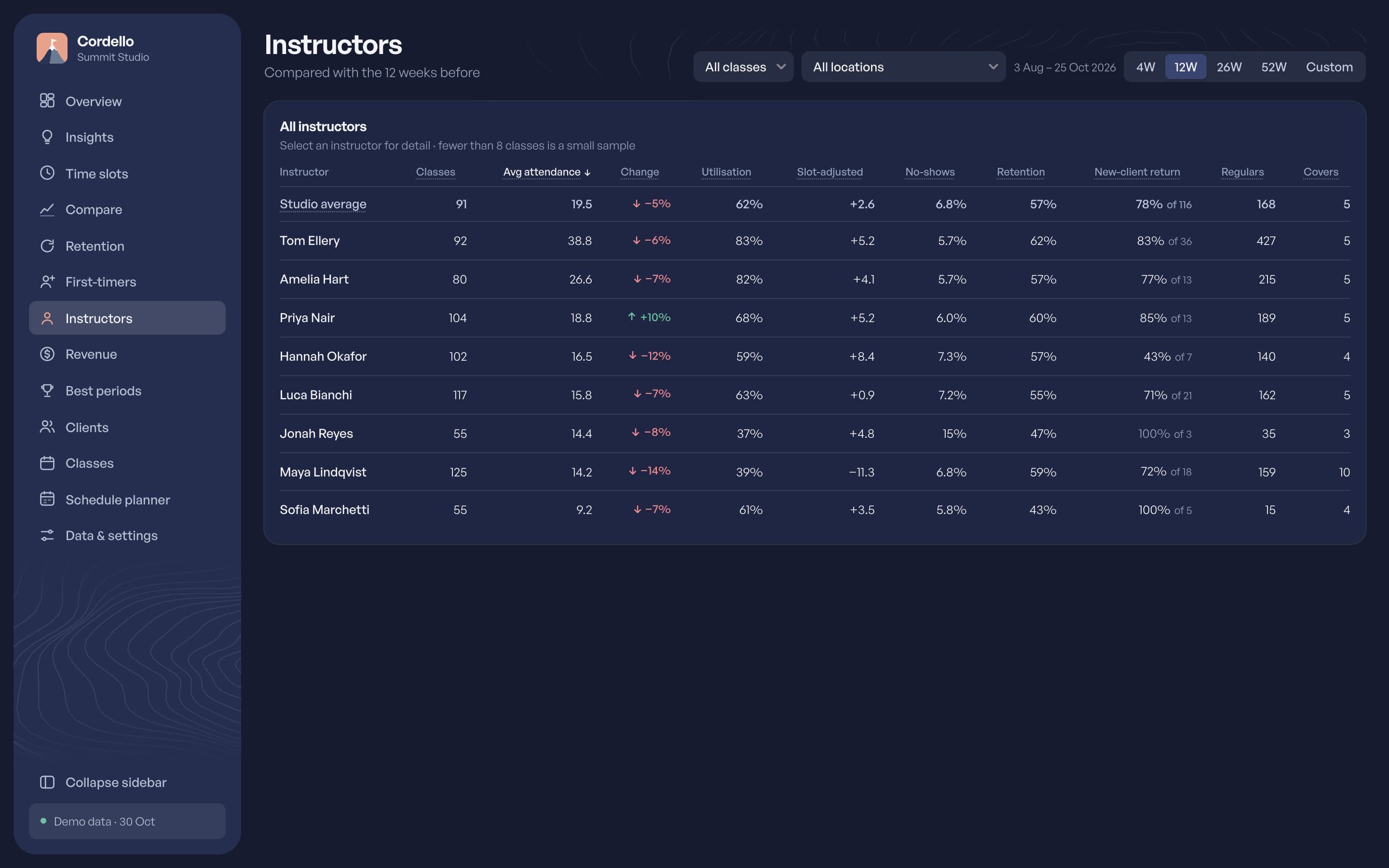
Compare every instructor on attendance, no-shows and how many new clients come back. Each one is measured against the same class at the same time, so nobody is marked down for a quiet 6am.
Insights
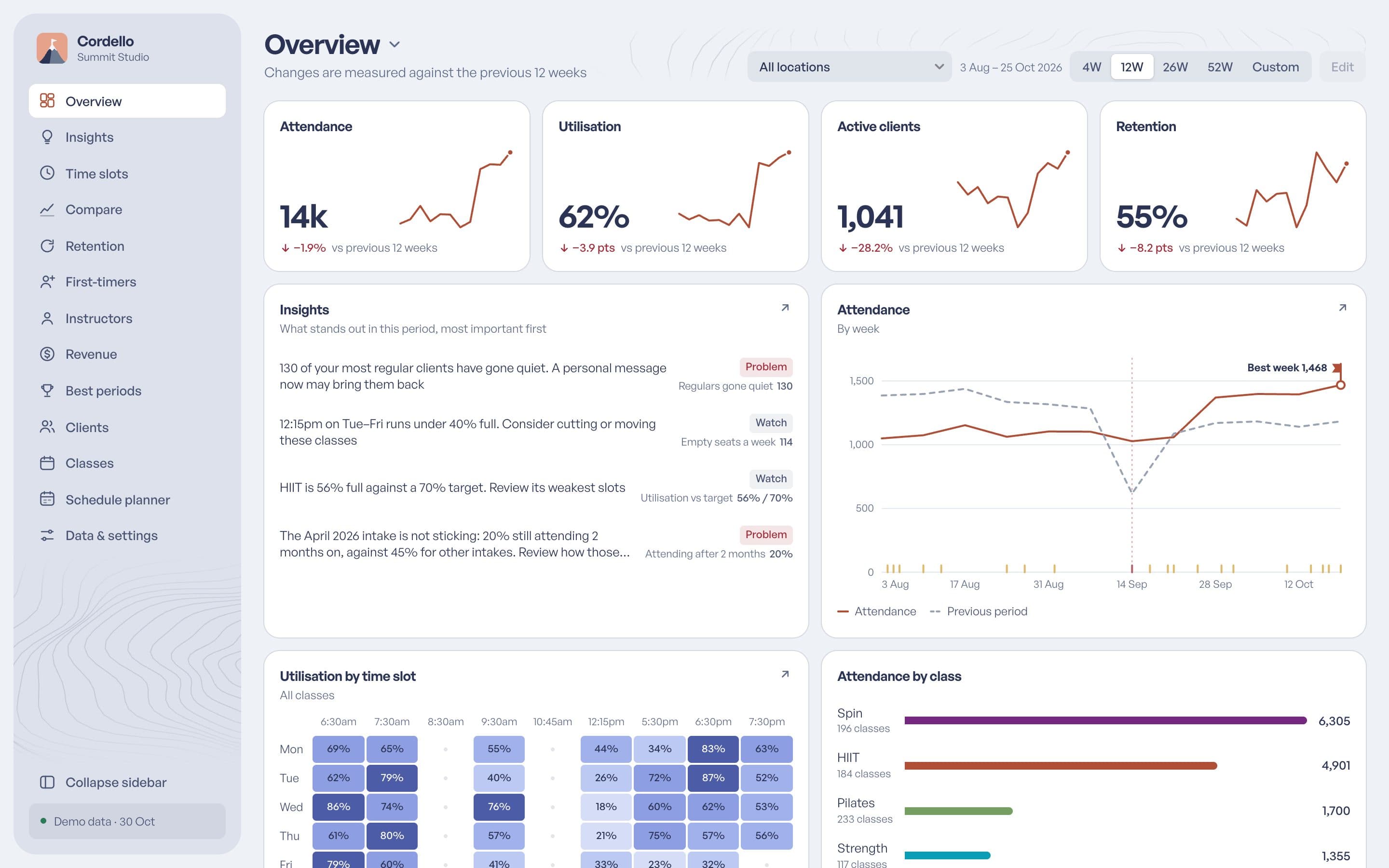
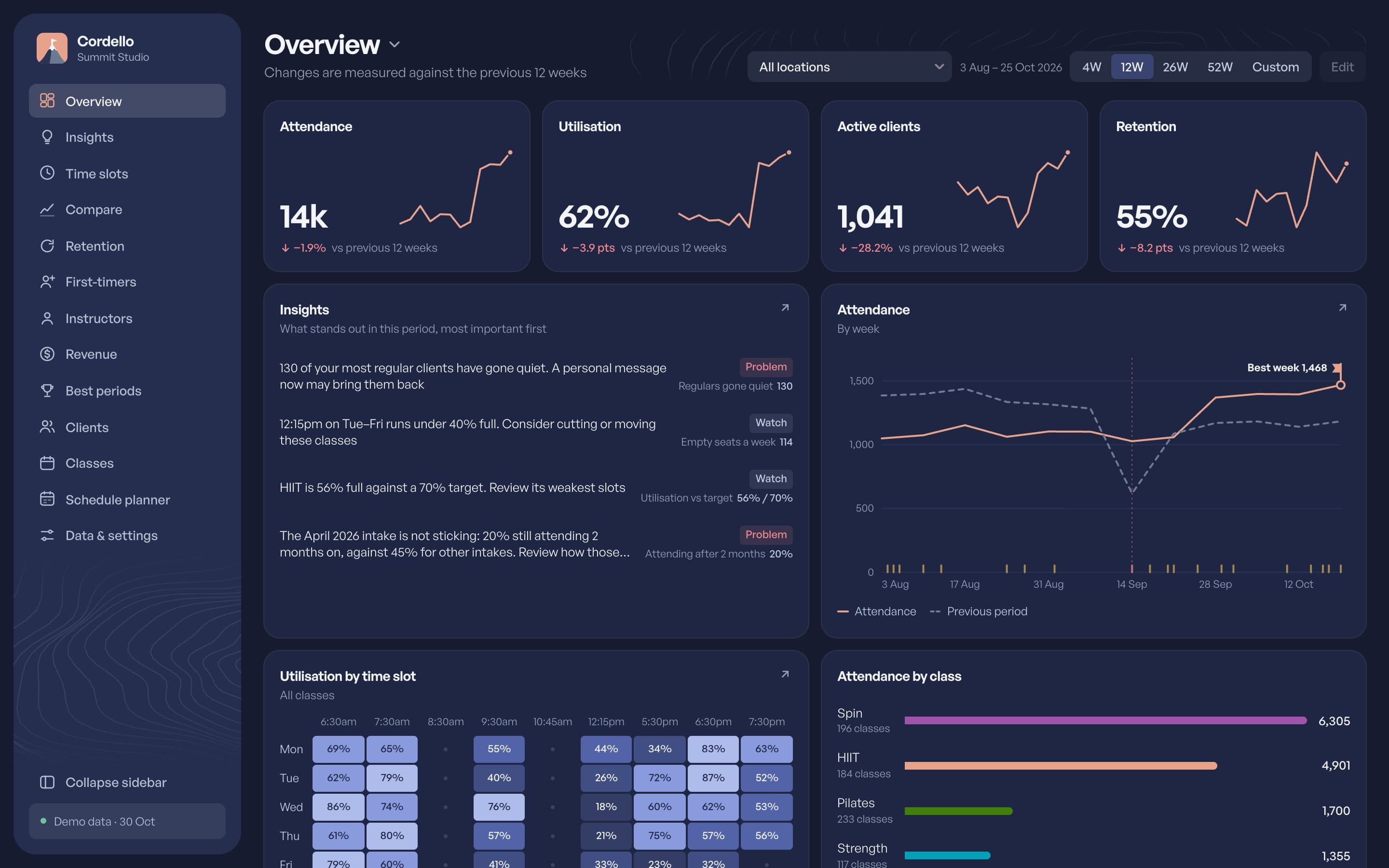
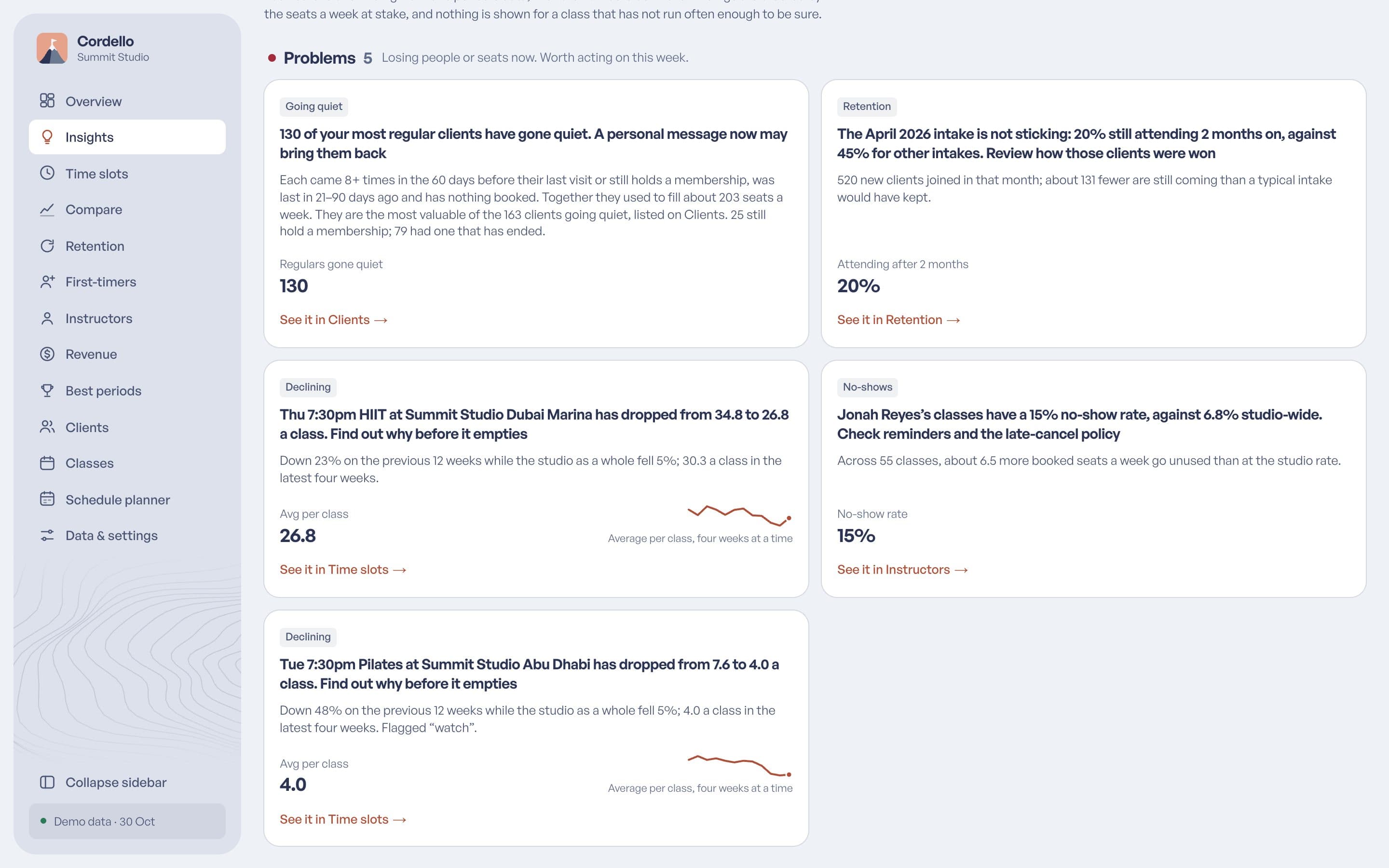
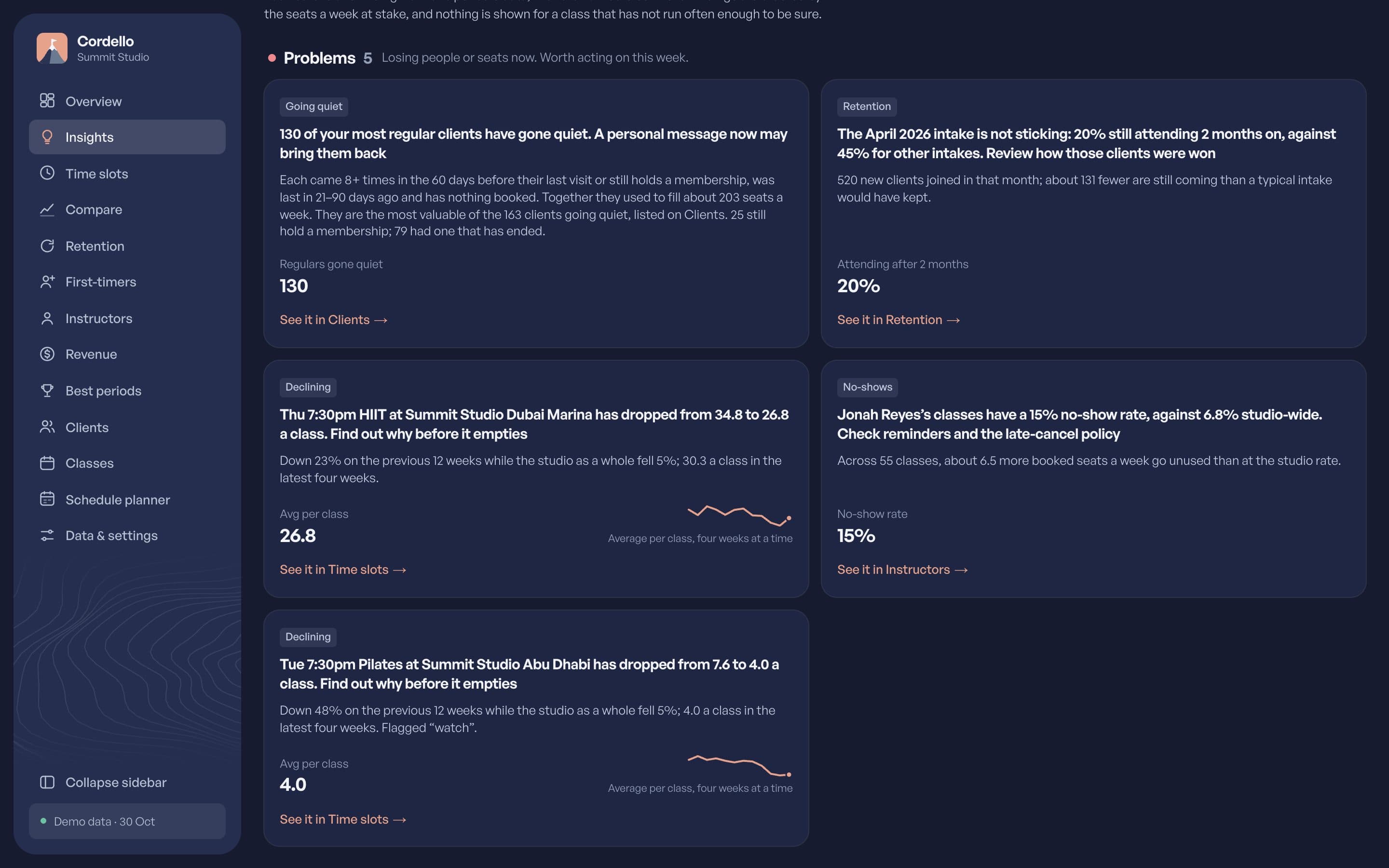
Cordello compares each period with the last and tells you what needs attention: a slot losing people, a class that sells out, an instructor with a lot of no-shows. Every finding links to the numbers behind it.
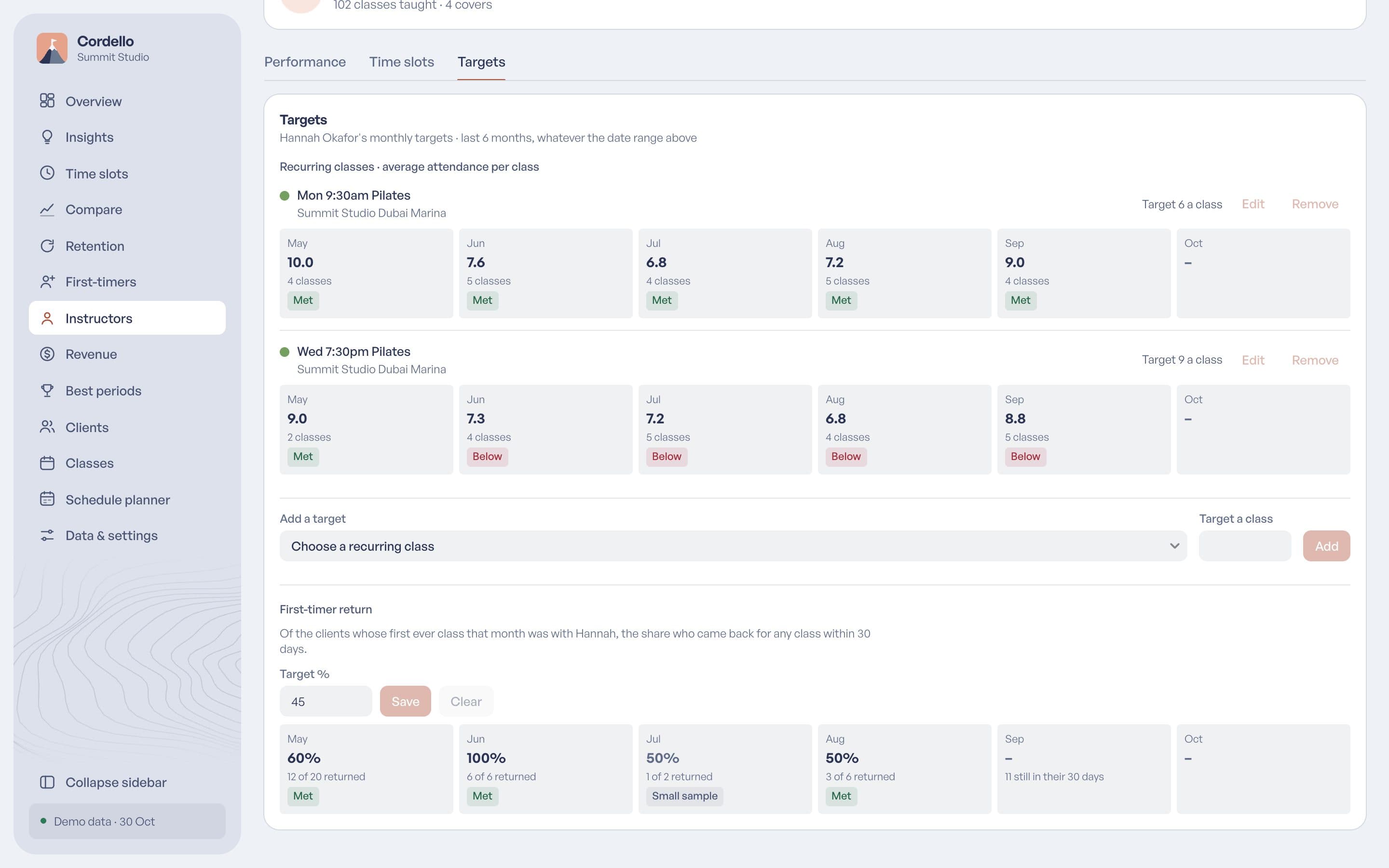
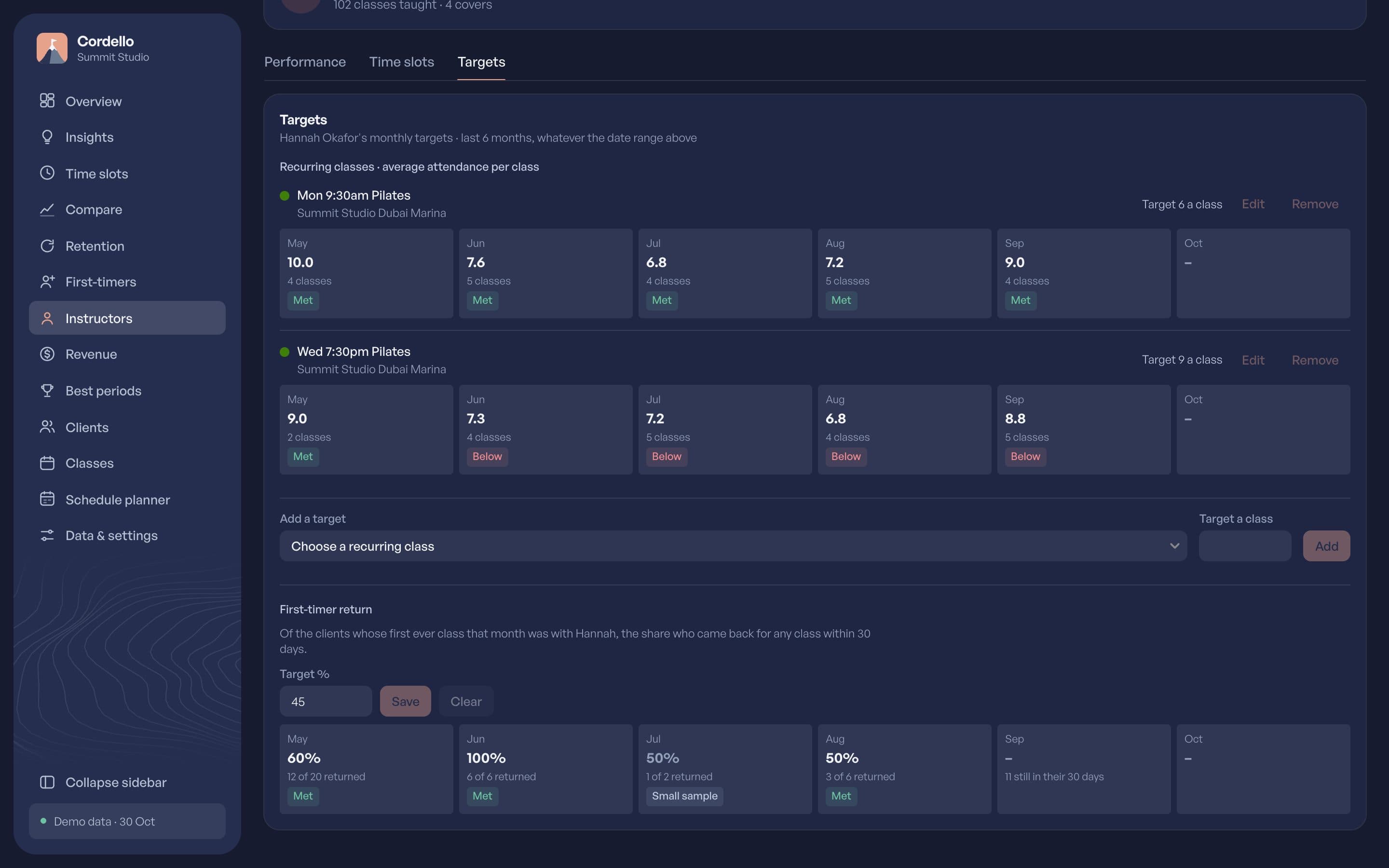
Give classes, instructors and the studio something to aim for, and see which ones are falling behind.
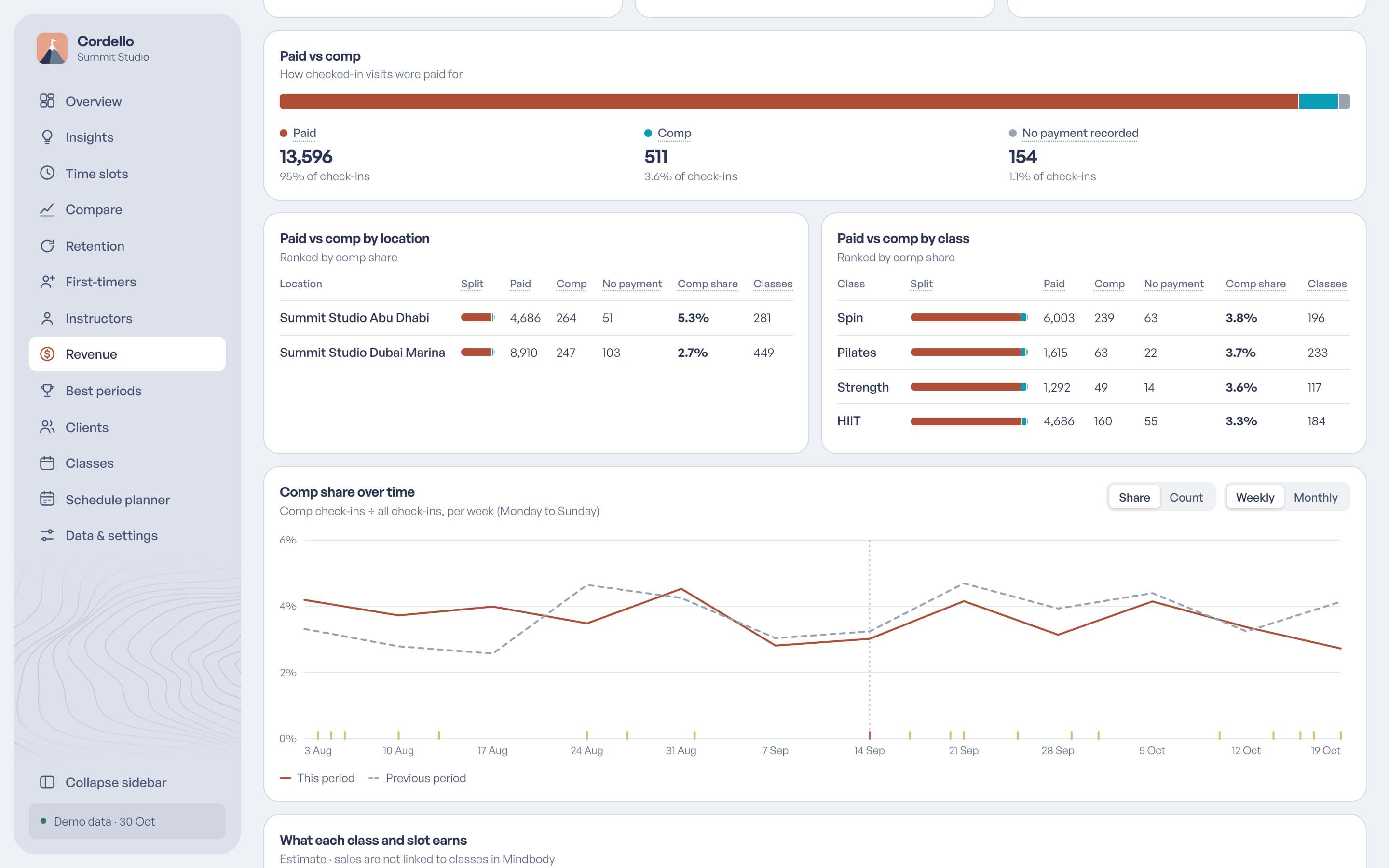
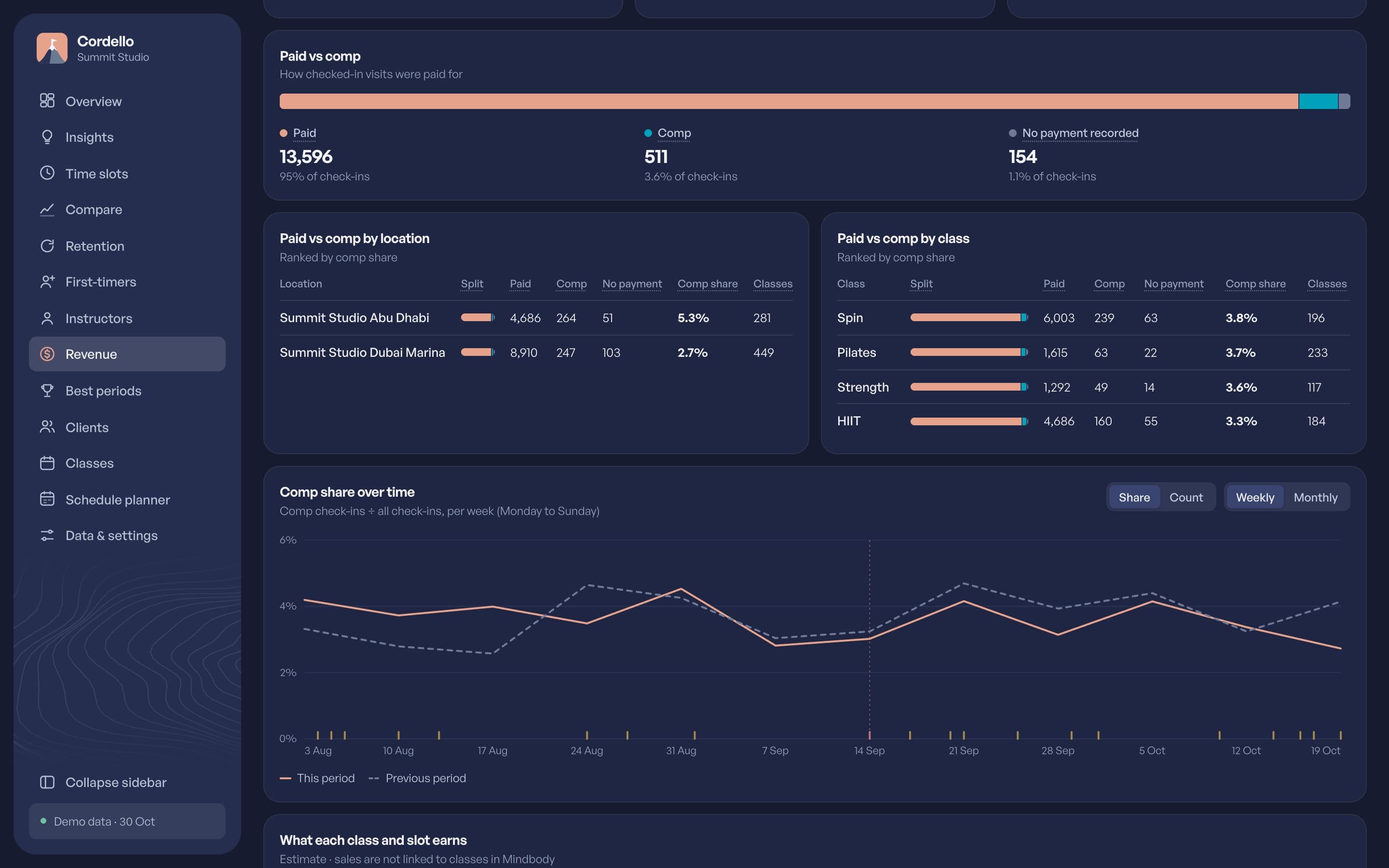
See how much of a busy room is paying, and which classes run on free passes.
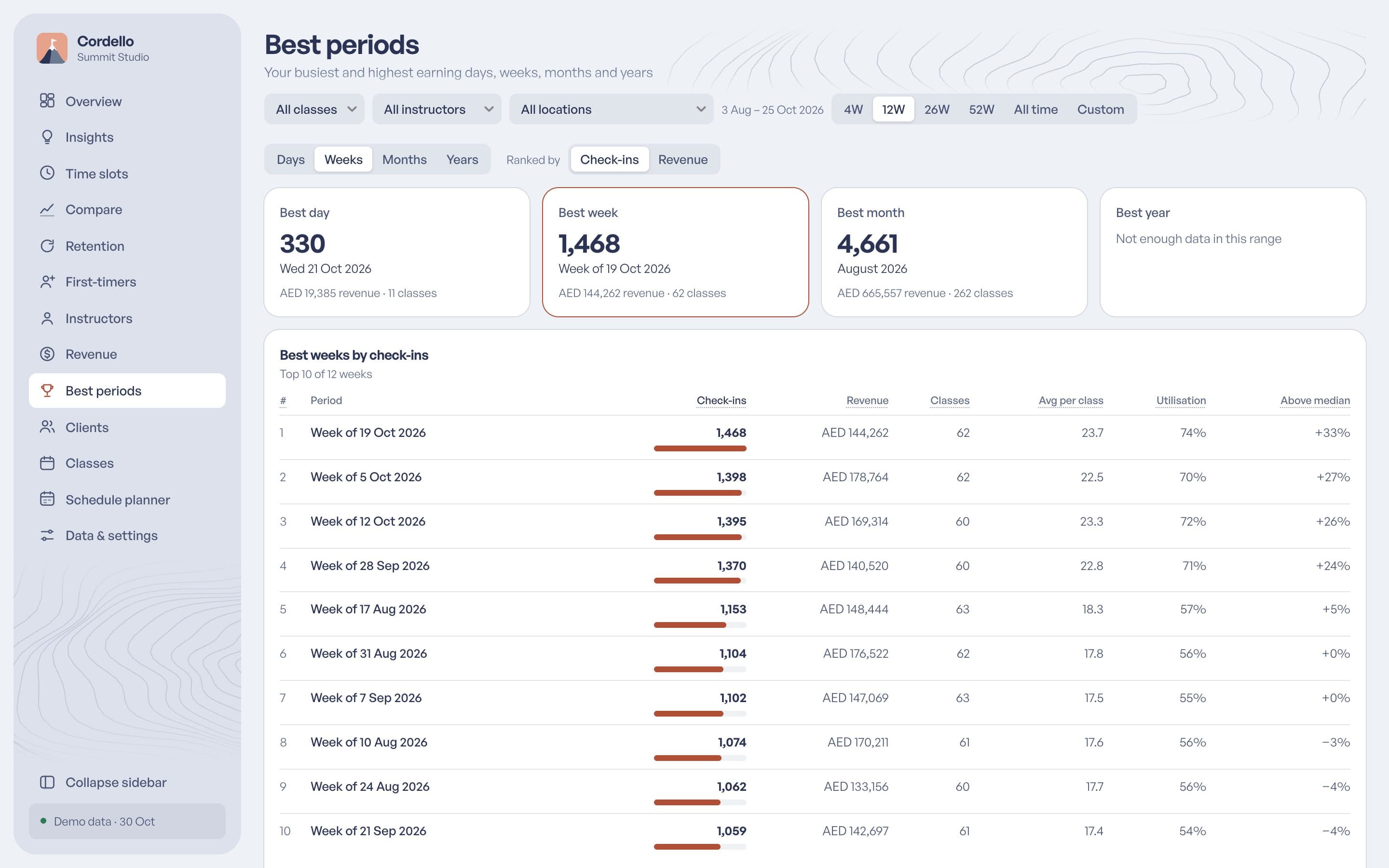
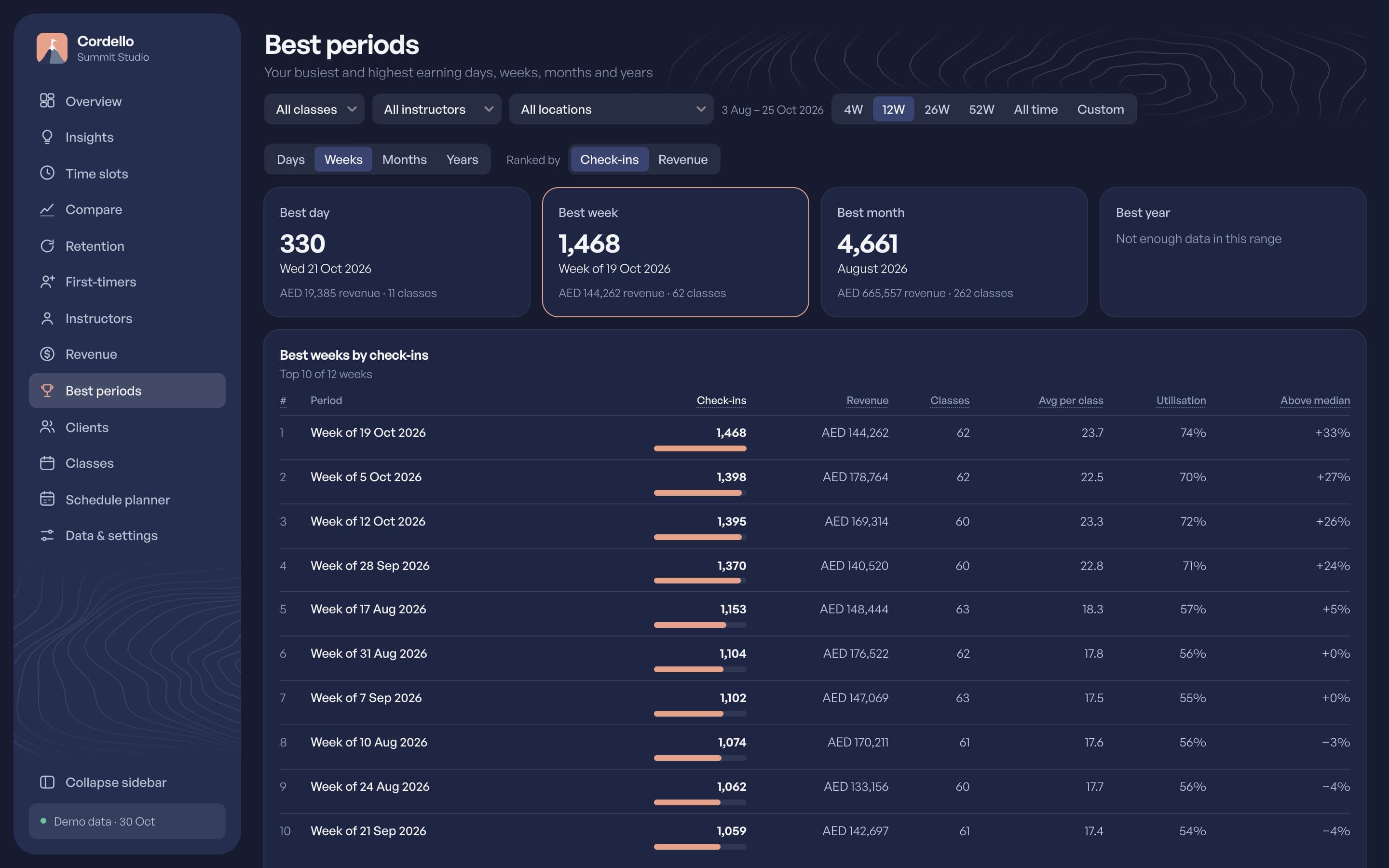
Find your best days, weeks, months and years, by visits or by revenue.
Put the numbers you check every morning on one page. Closures and cancelled classes are marked, so a dip explains itself, and the Classes page lists every cancellation.
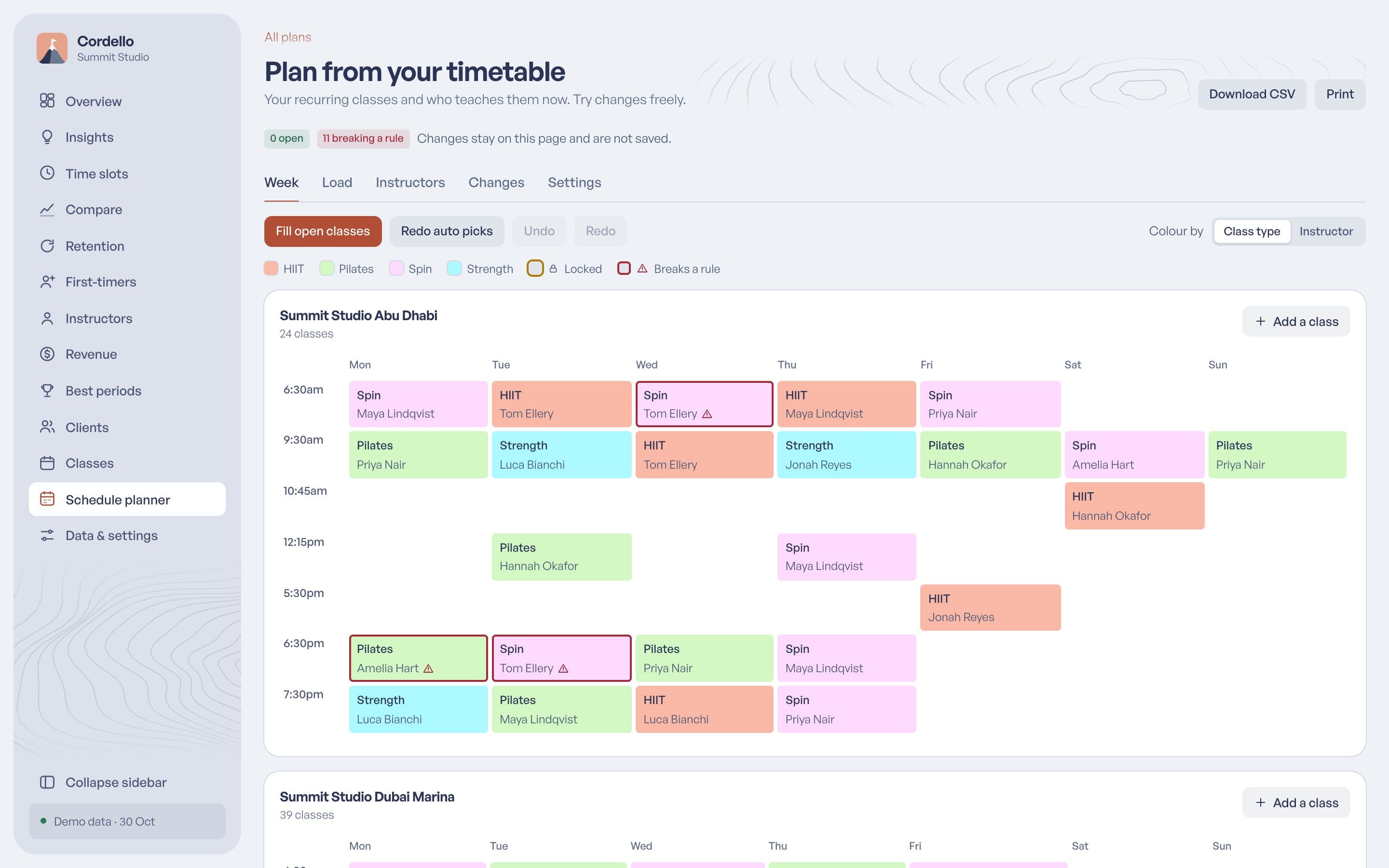
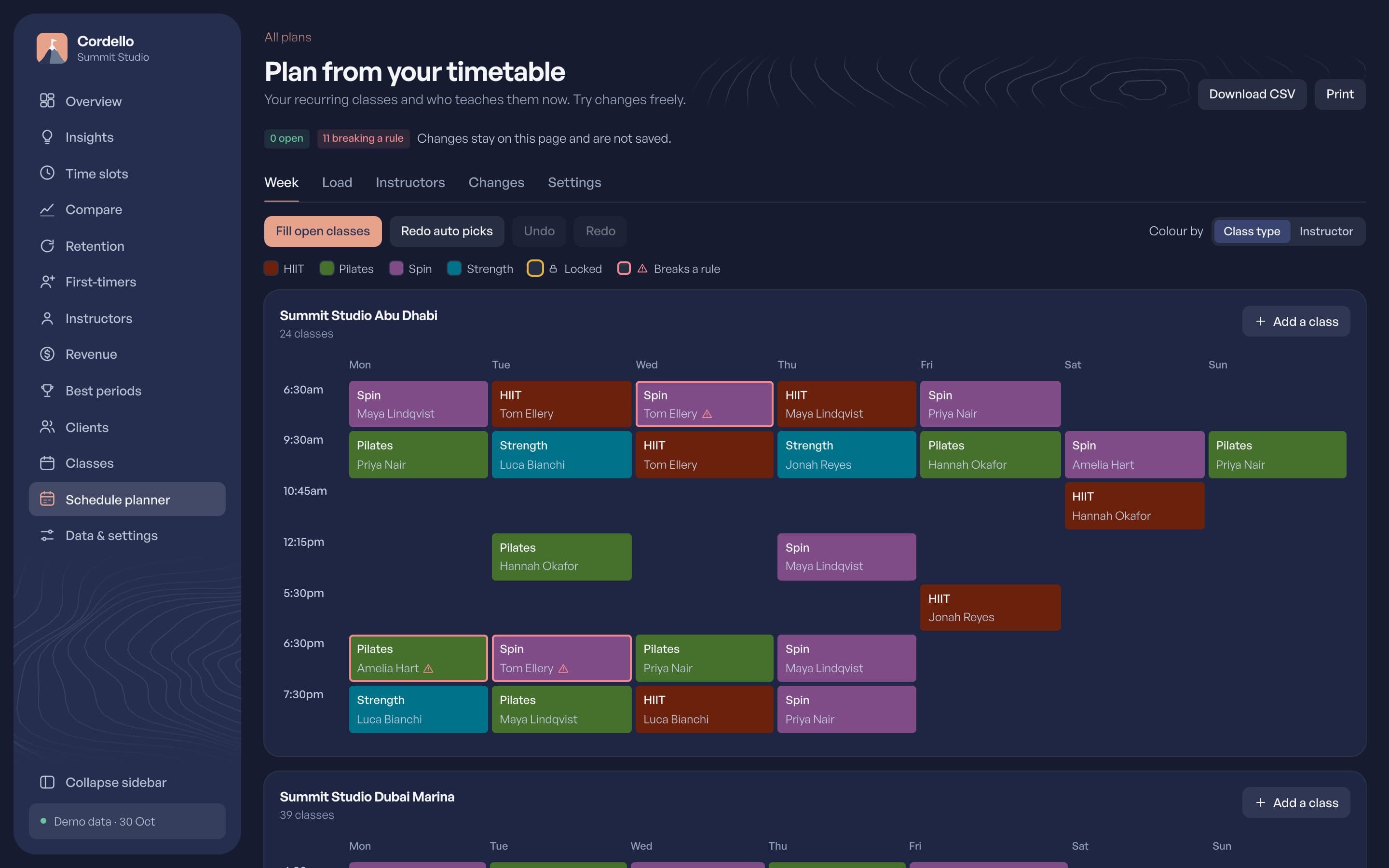
Build a usual week from your timetable and let auto-fill put instructors on the open classes without breaking availability, rest or weekly limits, with plain reasons for every pick. Share plans with your mentors, and export or print them.
How it works
Start your free trial and connect it yourself in a few minutes.
Cordello brings in your last 13 months, then keeps up every day. Nothing to export.
Move a class, follow up a client, set a target, and share any view with your team.
Your data
Cordello reads your booking system and never changes it. Your clients' details stay private.
No booking, client or sale is ever created, changed or cancelled.
Sign in with the staff login you already use.
Staff passwords for connected sites are stored encrypted.
Nothing is shared with third-party tools. Ask, and we delete it.
Pricing
Try everything free for 30 days. You see your price before you pay.
FAQ
No. Keep running the studio as you do now. Cordello only reads what is already there.
Yes. See every site in one view or one at a time. Each connected site is billed on its own.
Your most recent classes show up first, soon after you connect. Older months fill in over the next few days.
Your data stays and you can still read it. Syncing and editing stop until you subscribe again.
Cordello only reads from your booking system and never writes back. Passwords are stored encrypted and nothing is shared with third-party tools. Ask, and we delete your studio's data.
Yes. The live demo needs no sign-up. For a copy you can edit, ask us for a demo login.
Thirty days, no card, read-only. Connect in a few minutes and your history loads by itself.
Questions first? Get in touch


